View Procedure Entries
Last updated: October 14, 2025
Overview
When ticket submitters fill out a procedure, their entries are recorded. Admins can check all entries made for procedures. You can see all recorded entries for any procedure template in the system. For more information about procedures, see the article Understanding Procedures.
Note: Procedure entries only populate once the ticket they are assigned to is Closed.
In this article, we’ll go over how to find and view all the entries made for a procedure template.
Locate a Procedure Template
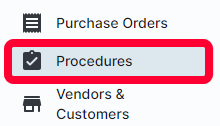
Entries are tied to the procedure template filled out. To get started, click Procedures in the left menu.
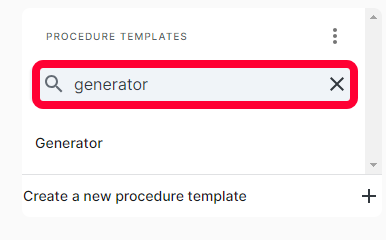
The Procedures page will open. On the left, there will be a list of existing templates. Use the search bar to quickly find the desired template, and click the template name to open it.
A table of all entries for that procedure template will open. You can search and filter the entries. For more information on the search and filter functions, see the article Searching and Filtering.
View Entry
To view more information about an entry, click on the entry Title.

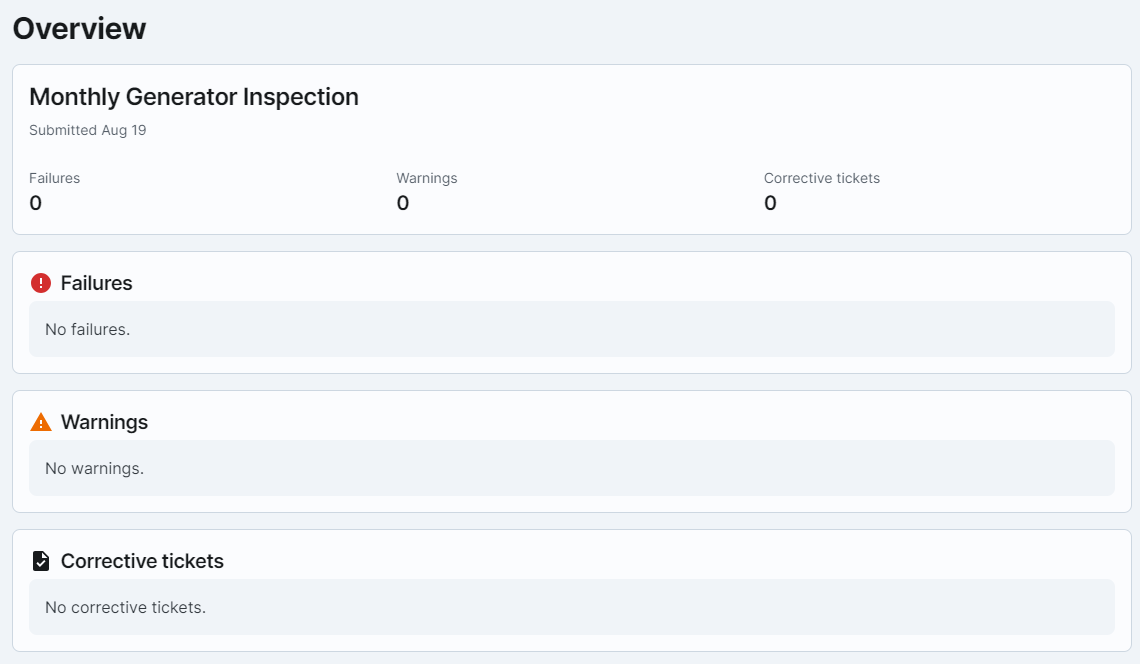
A window will open with all the details of the procedure, with summaries of all responses.
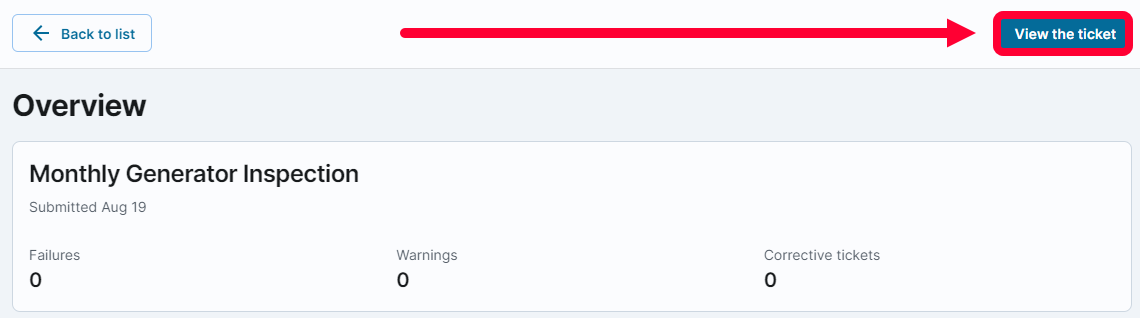
To see even more information about a specific response, click View the ticket to see the ticket the procedure template was attached to.