Filter Insights
Last updated: October 14, 2025
Overview
Filters allow you to narrow the data displayed in insight graphs and tables. In this article, we’ll go over how to add and remove filters.
Filter Insights
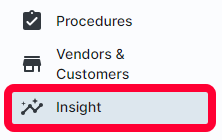
Click Insight in the left menu.
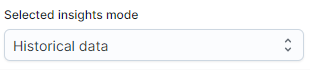
Choose which insight mode you want to use in the Selected insights mode dropdown in the top left. For more information about the two modes, see the article Understanding Insights.
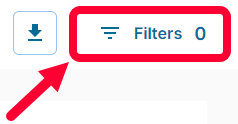
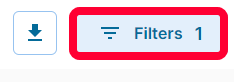
Click Filters in the top right.
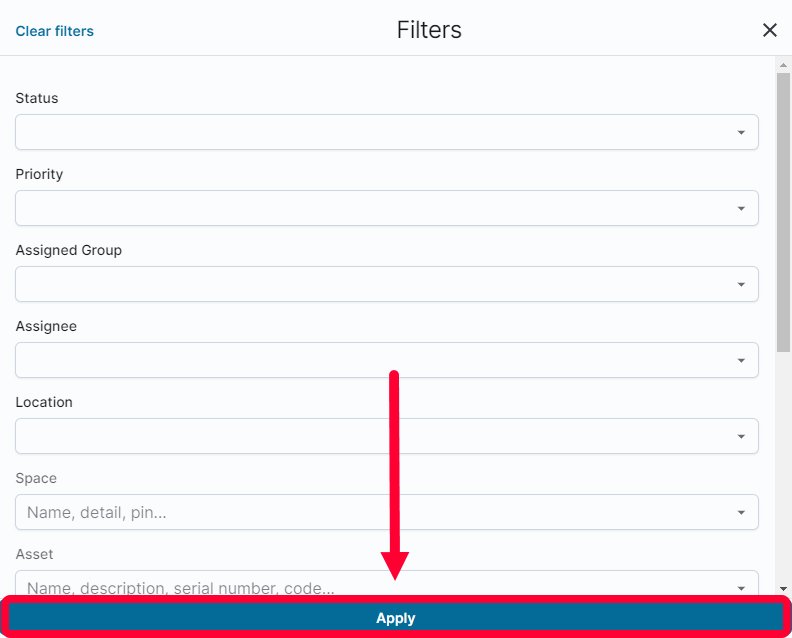
In the Filters window, you will see all available filters. To remove a filter, click the X next to the value.

Make the desired selections and click Apply at the bottom.
The data displayed will update based on your selected filters. To adjust filters, click the Filters button again.
To clear all filters, click Clear filters in the top left of the Filters window.
