Scan a QR Code
Last updated: October 14, 2025
Overview
nodaFi users need to scan QR codes using the mobile app in order to work with tickets and check entries.
In this article, we’ll go over how to use the mobile app to scan QR codes.
Note: Make sure you have installed the app and signed in before starting.
Scan a QR Code
Open the nodaFi app on your mobile device to conveniently log work on a ticket or to create new space or asset tag.
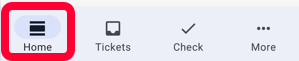
Click Home in the bottom menu.
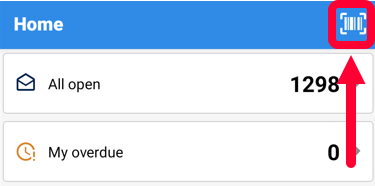
Click the barcode icon in the top right.
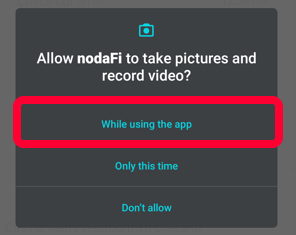
Note: You may need to grant access for the app to use your device’s camera. Different devices will have different processes for allowing camera access.
Point your camera at the desired QR code.
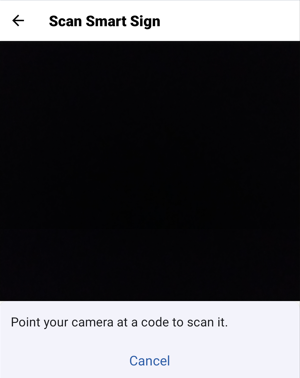
Depending on the barcode scanned, the appropriate procedure or survey will open for you to fill out.