Subscribe for Ticket Updates
Last updated: October 14, 2025
Overview
Note: To get ticket updates, you must have entered an email address when submitting a ticket. If you did not provide an email address when filling out a ticket, you will not be able to receive information about it later.
When submitting a ticket, you may have the option to Subscribe to request updates when entering your contact information. This means receiving an email about any status updates or new comments added to a ticket.
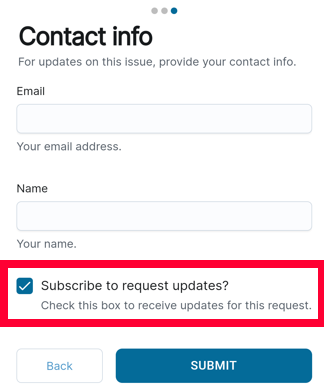
If you did not fill in the checkbox when submitting the ticket, you can still subscribe for updates later so long as you provided a contact email. In this article, we’ll go over how to update notifications for tickets.
View a Ticket
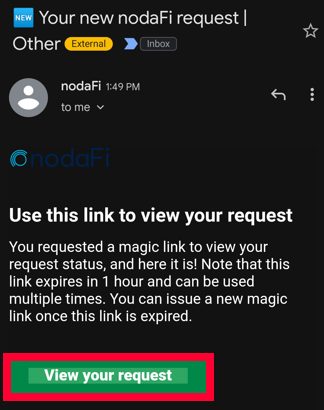
If you have an email with a link to your ticket, simply click the link. If the link is expired, you will be sent a code to use for login.
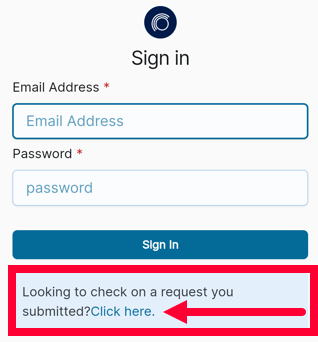
If you do not have an email with a link to your ticket, you can use the company login portal. Many times, the web portal is companyname.nodafi.com. On the Sign in page, scroll down to the section Looking to check on a request you submitted? Click the Click here link.
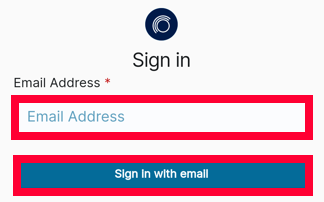
On the new page, enter the email address you used on the ticket as your contact email. Click Sign in with email.
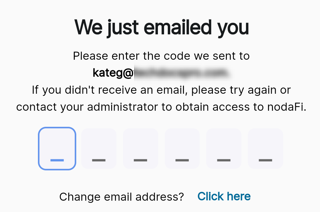
An email will be sent with an access code. Paste the code and nodaFi will open.
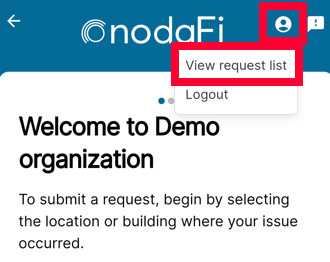
Click the person icon in the top right. Select View request list.
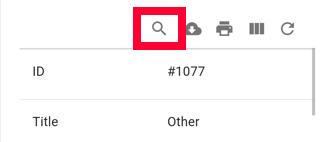
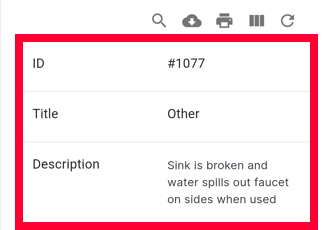
All submitted tickets tied to that email address will be displayed. You can use the magnifying glass icon to open a search bar and search by ticket ID, title, and description.
Click on the desired ticket.
Subscribe or Unsubscribe from Updates
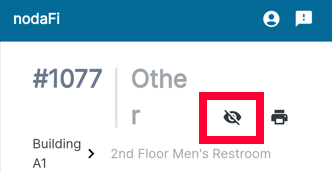
In the top right, you’ll see an eye icon. If the icon is colored in, then you are subscribed to updates. When there are changes to the status of the ticket or public comments, you will receive an email notification. To remove update notifications, tap the icon.
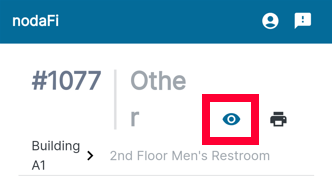
If the icon is gray and crossed out then you are not subscribed to updates. Click the icon in order to subscribe yourself for updates.