Exporting Data
Last updated: October 14, 2025
Overview
With nodaFi you can export any data at any time as a CSV file. Exports can be done with a click of a button on any of the feature pages.
In this article, we’ll go over how to export your data.
Export Data
Open the feature page you want to export data from.
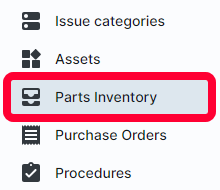
For example, if you want to export a list of parts, select Parts Inventory in the left menu.
Note: The data displayed on the page table is what will be exported. If you use search or filter options on the page, only the results will be exported.
Click the cloud icon in the top right.
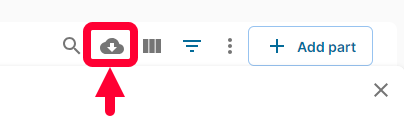
A CSV file of your data will download directly to your computer.