Install the App
Last updated: October 14, 2025
Overview
To get started with the nodaFi mobile app, you will need to download it from your device’s app store and sign in.
Download App
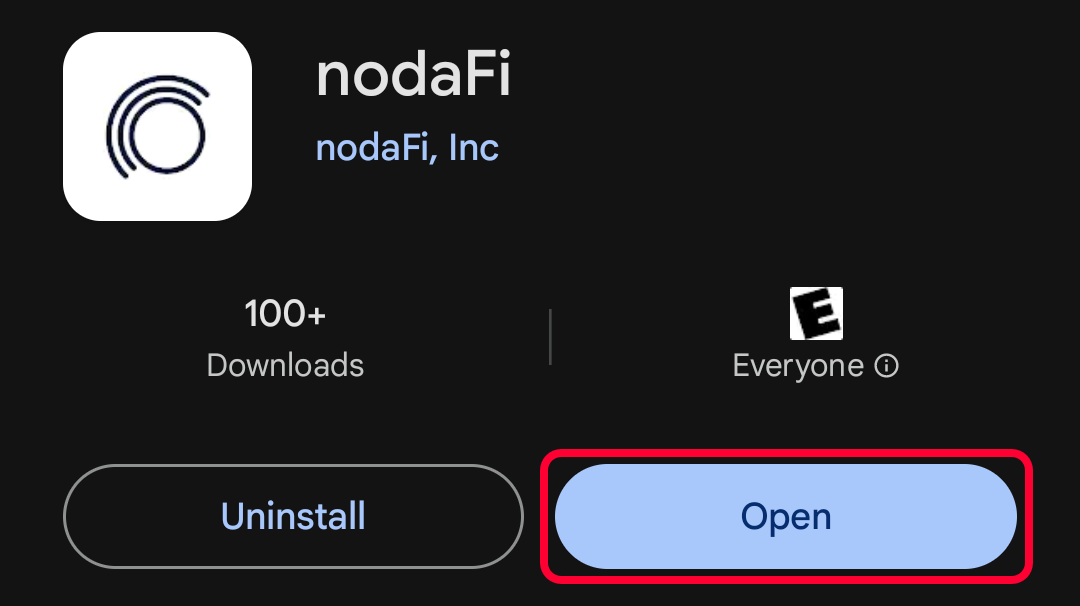
Open your app store and search for nodaFi.
Select nodaFi by nodaFi, Inc. and choose Install.

After installation, click Open to sign in.
Sign In
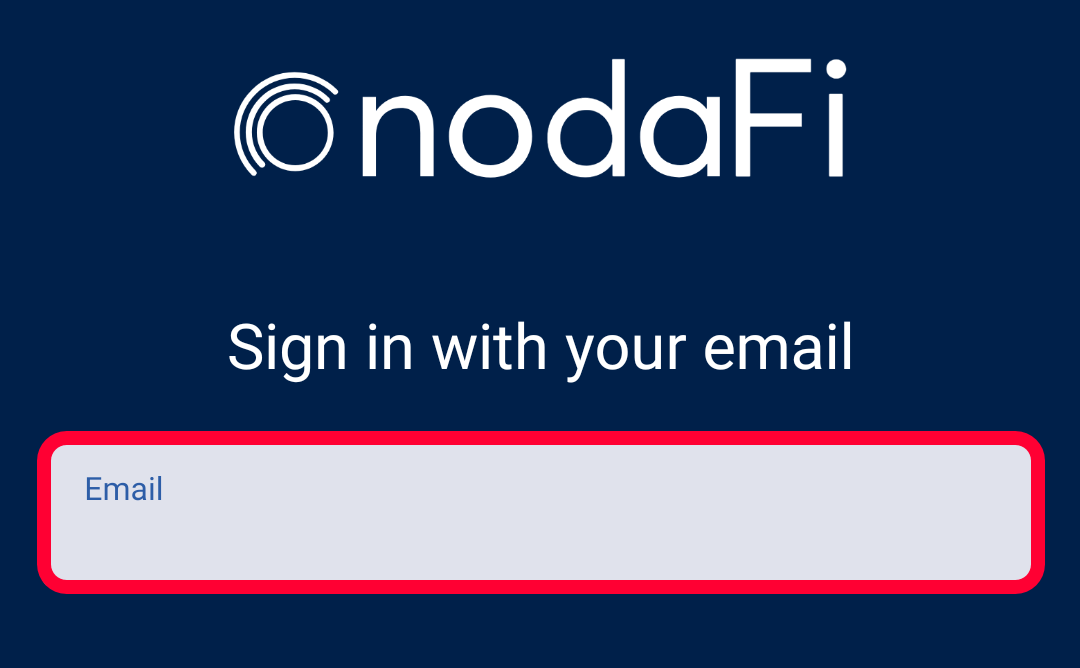
Enter your email address in the Email field and click Continue.
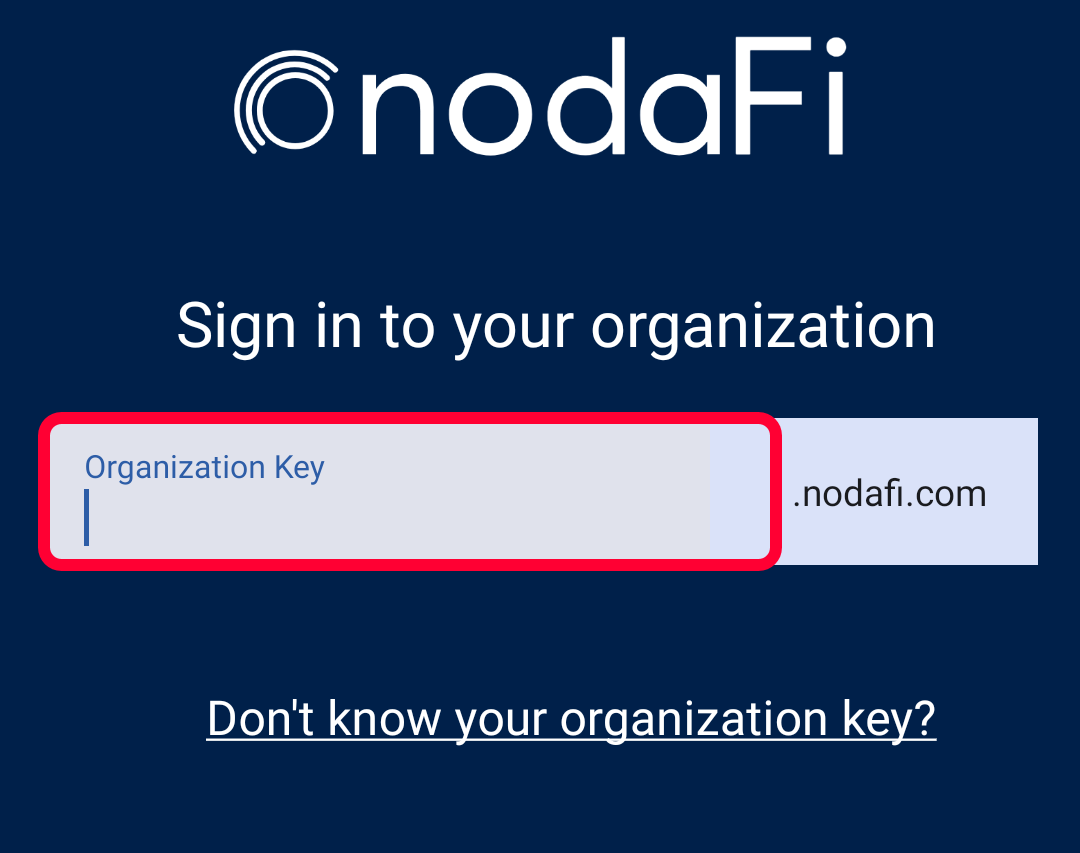
Your Organization Key should autofill based on your email address. If it does not, enter in the name of your organization (this is usually the ending of your email address).
For example, if your email is jsmith@businessname.com, you would use businessname as your Organization Key.
If you have trouble with your key, click Don’t know your organization key?
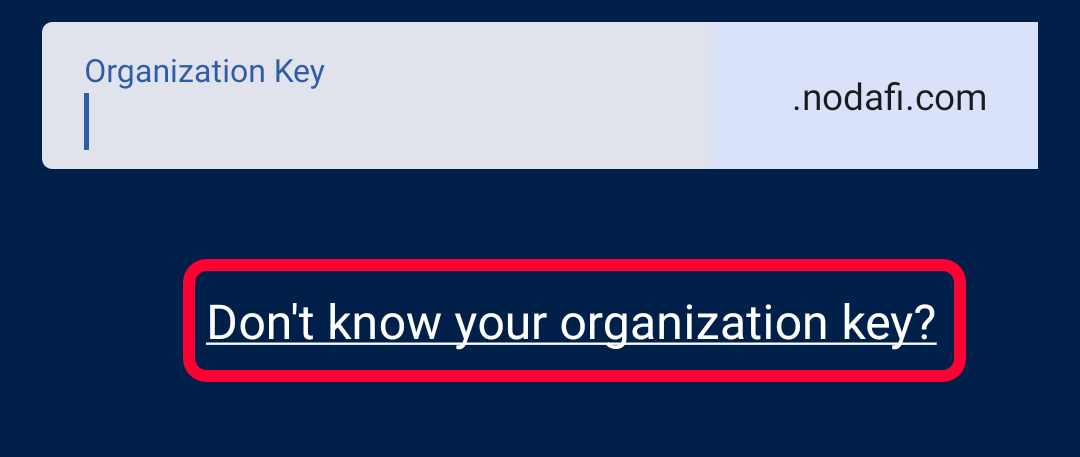
Your email application will open. Explain you are having difficulty entering your Organization Key for sign-in. One of our team will respond to your email shortly!
When you’re done, click Continue.

If your organization has SSO enabled, you will be prompted to enter your Username and Password. Otherwise, you may just be prompted for your Password.
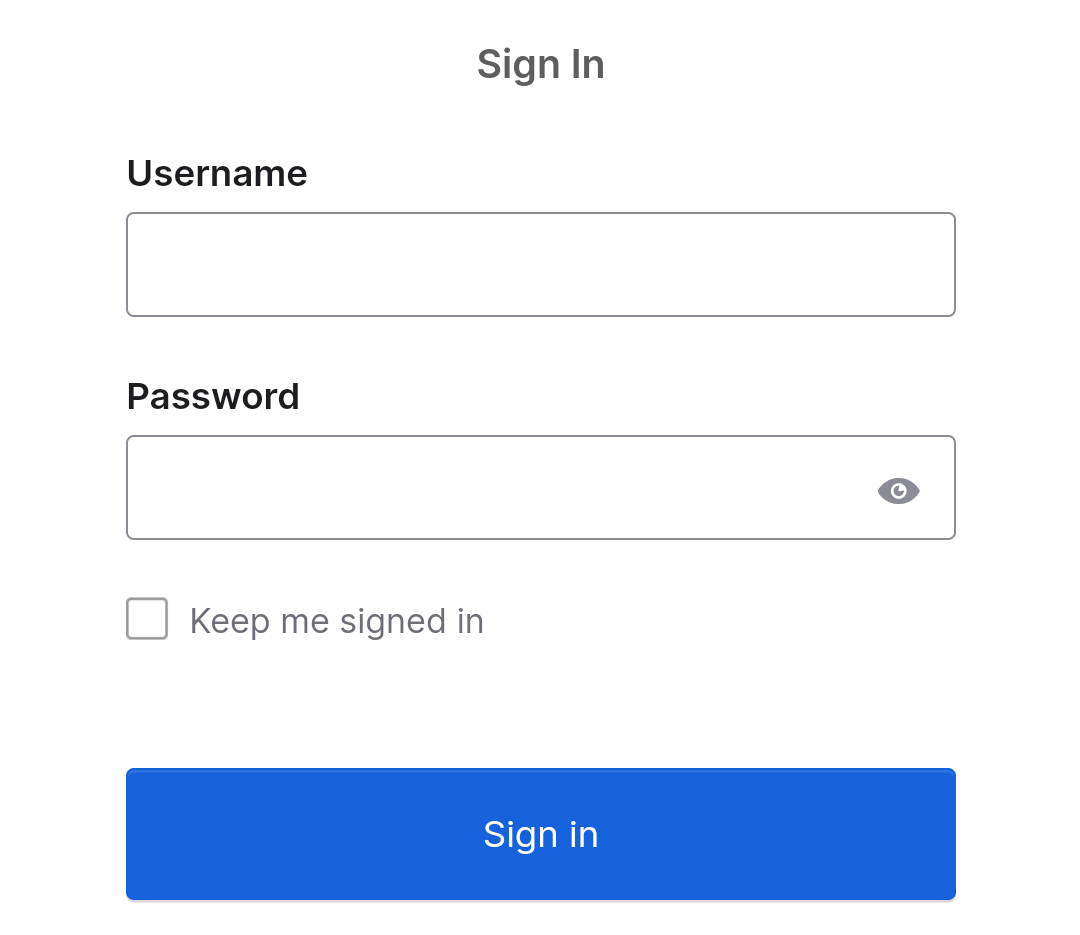
When you’re done, the app will open.