Manage Users
Last updated: October 14, 2025
Overview
Admins can update users at any time. Changes made to users will take immediate effect. In this article, we’ll go over everything you need to know to manage users.
Add Users to a Location
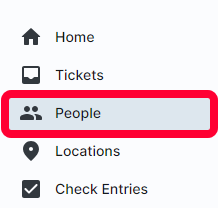
Select People in the left menu.
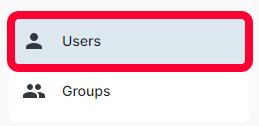
Click the Users submenu.
A table with all active users will be displayed.
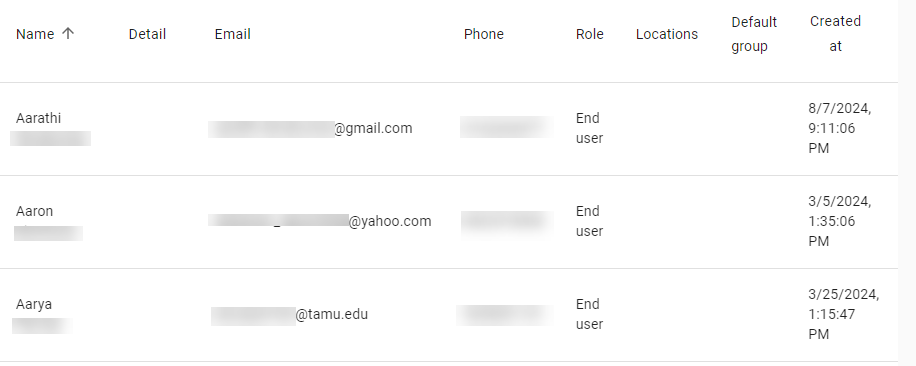
You can search and filter users. For more information on the search and filter functions, see the article Searching and Filtering.
Edit a User
Once you’ve located the desired user, click to view their profile. The Edit user page will open.
You can update any of the desired fields. For a breakdown of the field options, see the article Add a User.
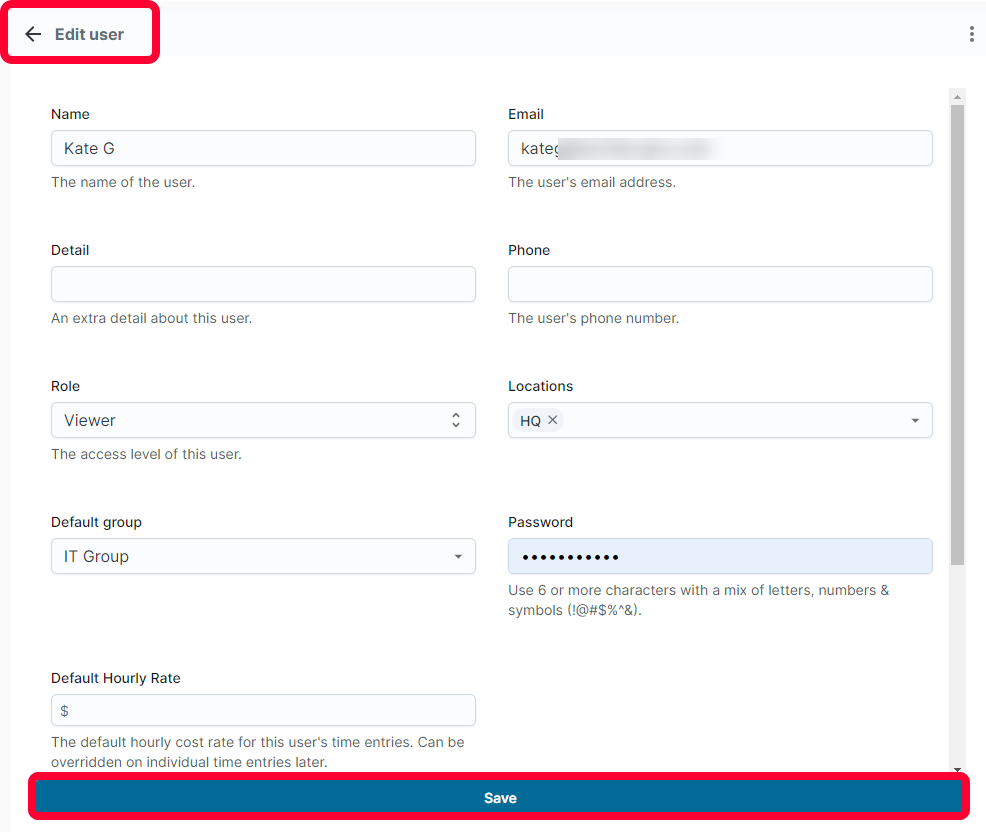
Click Save to keep your changes.
Archive a User
Warning: When you archive a user, they will no longer display as an option in tickets and the user will not be able to log into Nodafi. Use caution before archiving.
Open the desired user profile, the Edit user page will open. Click the three dots in the top right corner. Select Archive user.
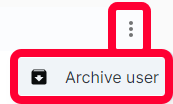
The user will no longer appear in ticket options or be able to log in.
Unarchive a User
To view archived users, click the three dots in the top right and select Show archived.
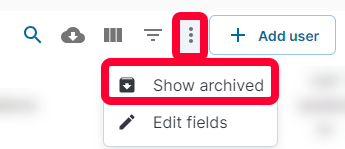
Click the desired user. In the top right of the profile, click the three dots and select Unarchive user.
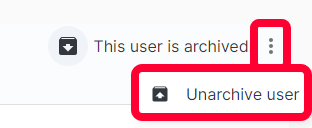
The user will be active again.