View Survey Responses
Last updated: October 14, 2025
Overview
When users fill out a survey, their responses are recorded. Admins can check all previous survey answers. For more information about surveys, see the article Understanding Surveys.
In this article, we’ll go over how to find and view all survey responses.
Locate a Survey
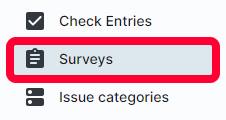
Entries are tied to the survey filled out. To get started, click Surveys in the left menu.
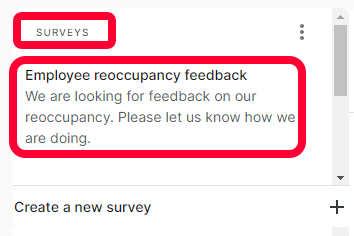
The Surveys page will open. On the left, there will be a list of existing templates. Scroll to find the desired survey, and click to open it.
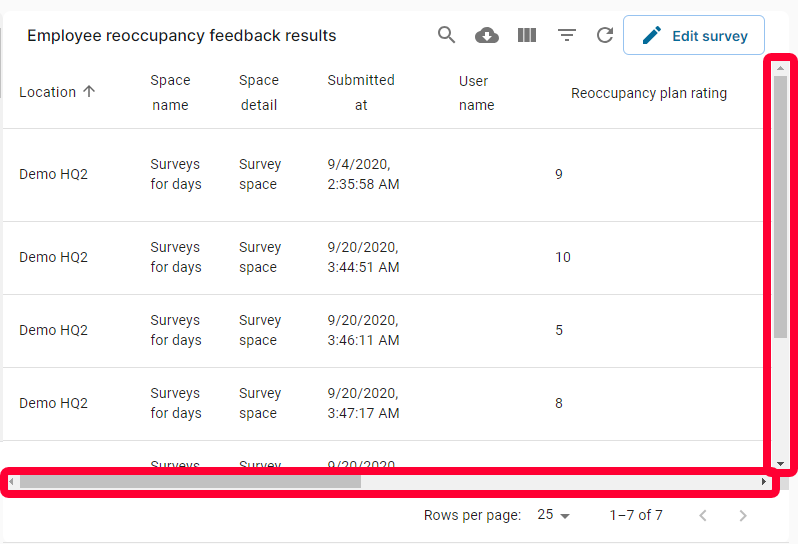
A table of all entries for that survey will open.
View Responses
Each row represents a survey response, each column is a different survey question. Depending on the number of survey questions, you may need to use the scroll bar to see all responses.
You can search and filter the entries. For more information on the search and filter functions, see the article Searching and Filtering.
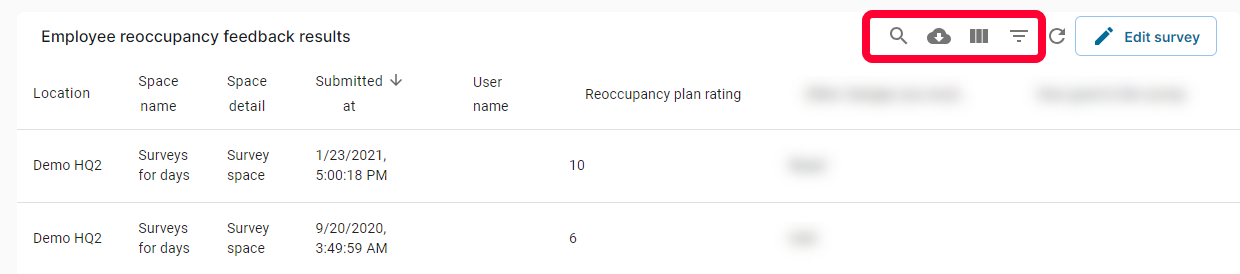
Note: You can export survey results as a CSV file. For more information, see the article Exporting Data.