Understanding the Mobile Home Page
Last updated: October 14, 2025
Overview
When you log into the NodaFi app, your Home page provides an overview of the tickets you have permission to view as well as quick filters for viewing.
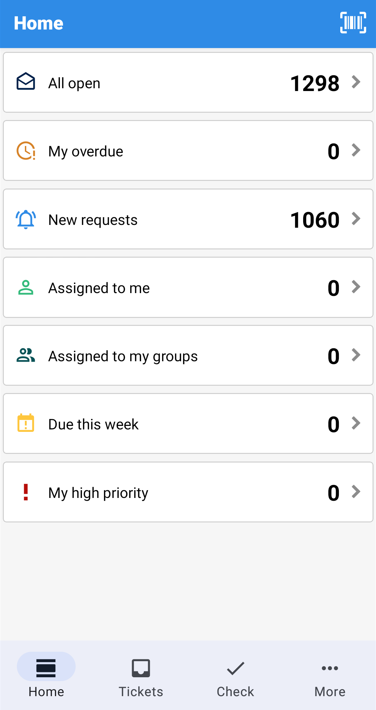
For example, you can quickly see what tickets are assigned to you by clicking the Assigned to me filter. The number of tickets that match the filter criteria is shown to the right.
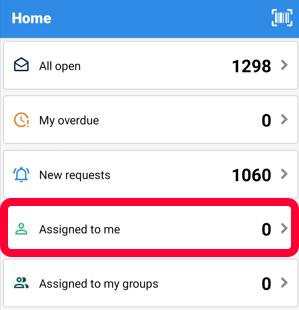
Note: Clicking an option opens the ticket table, prefiltered for the selected criteria. For more information on ticket tables, see the article Find and View a Ticket.
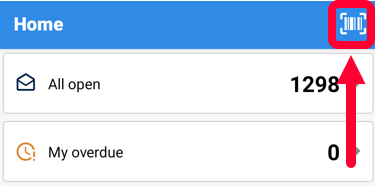
You can open the barcode scanner by clicking the barcode icon in the top right. For more information
You can always access the Home page by clicking Home in the bottom menu.