Update a Ticket Status
Last updated: October 14, 2025
Overview
When working on a ticket in the NodaFi mobile app, you can update its status. There are 6 default statuses in nodaFi. Your organization may have additional custom statuses.
Your organization’s workflow will determine what statuses should be used and when, but typically we see use cases like the following:
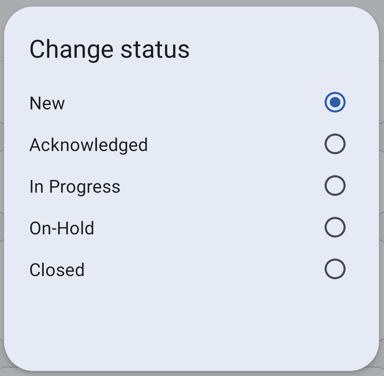
- New - Newly created
- Acknowledged - Acknowledge Work Order, but have not started
- In Progress - Actively being worked on
- On-Hold - Held for some reason like part delivery
- Closed - Task Completed
In this article, we’ll go over how to update a ticket status.
Update a Ticket Status
First, open the ticket you want to update. See the article Find and View a Ticket for help locating tickets.
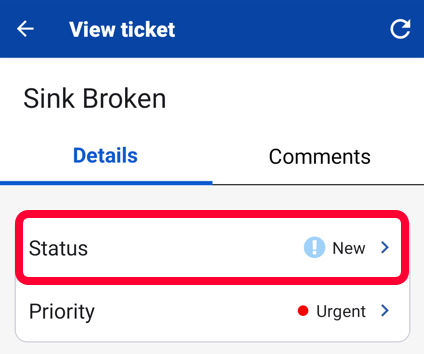
Click Status at the top of the page.
A window will open with all of your organization’s status options. Click the desired status. The ticket will automatically update.